

Tech
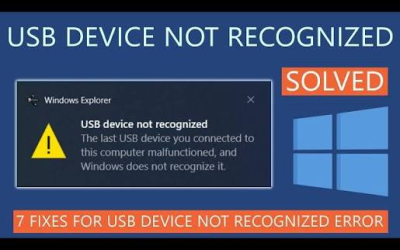
USB Device Not Recognized in Windows: Causes, Fixes, and Prevention
The “USB Device Not Recognized” error is one of the most common problems faced by Windows users. It usually appears when you connect a USB flash drive, external hard drive, keyboard, mouse, printer, smartphone, or another USB device to your computer. Instead of working normally, Windows displays a notification saying “USB Device Not Recognized. The last USB device you connected to this computer malfunctioned, and Windows does not recognize it.”
Disk Cleanup Windows: A Complete Guide to Free Up Space and Improve PC Performance
Over time, every Windows computer collects unnecessary files that take up valuable storage space. These files include temporary files, cached data, old Windows update files, recycle bin contents, thumbnails, and system logs. While many of these files are harmless, they can accumulate over weeks or months, reducing available disk space and sometimes affecting your computer’s performance.
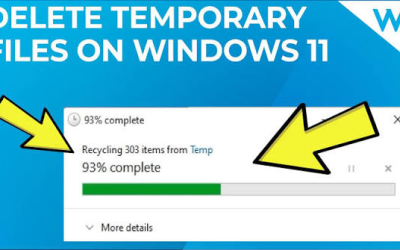
How to Clear Windows Temp Files: A Complete Step-by-Step Guide
Windows creates temporary files every day to help programs run faster and store short-term data. These files are known as temporary files or temp files. While they are useful during normal computer operation, they often remain on your hard drive after they are no longer needed. Over time, thousands of unnecessary temp files can accumulate, taking up valuable storage space and slowing down your PC.
Slow Computer Fix: A Complete Guide to Speed Up Your PC
Whether you use a Windows PC or a Mac, there are several practical steps you can take to improve your computer’s speed and overall performance. From cleaning up storage and managing startup applications to updating software and upgrading hardware, small changes can make a noticeable difference.
Office 365 Guide: Everything You Need to Know
Microsoft Office 365, now officially known as Microsoft 365, is one of the world’s most popular productivity platforms for individuals, students, businesses, and educational institutions. It combines familiar Office applications with cloud-based services, making it easy to create documents, collaborate with others, and access files from almost anywhere.

Tech Tutorials: A Complete Guide to Learning Technology Skills
Technology is constantly evolving, making it essential to keep learning new skills. Whether you are a student, professional, freelancer, or business owner, tech tutorials provide an easy and practical way to understand modern technology. From learning basic computer skills to mastering programming, cybersecurity, web development, and artificial intelligence, tech tutorials help people gain knowledge at their own pace.

CRM for Small Business: A Complete Guide to Growing Your Business
Running a small business involves managing customers, tracking sales, handling marketing, and providing excellent customer service. As your business grows, keeping all customer information organised becomes more challenging. This is where a Customer Relationship Management (CRM) system can help.
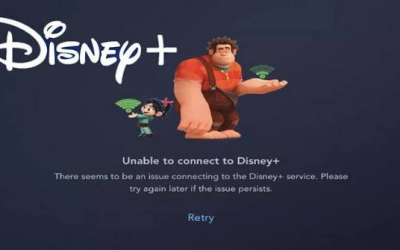
Disney Plus Not Working: Causes, Troubleshooting Tips, and Effective Fixes
Disney Plus is one of the world’s most popular streaming services, offering thousands of movies, TV shows, documentaries, and exclusive originals from Disney, Pixar, Marvel, Star Wars, and National Geographic. While the platform is generally reliable, users may occasionally experience issues such as buffering, loading errors, login problems, black screens, or the app not opening at all.

Best Android Apps in 2026: Top Picks for Productivity, Entertainment, Security, and Everyday Use
Android smartphones have become an essential part of daily life, helping users stay connected, productive, entertained, and organised. One of the biggest advantages of Android is its massive app ecosystem. With millions of apps available on the Google Play Store, finding the best ones can be overwhelming. Whether you want to improve productivity, edit photos, stream music, manage your finances, or protect your privacy, there is an Android app for nearly every need.